Disk Latency and SQL Server
Disk latency refers to the time it takes for a storage device (like a hard disk drive or solid-state drive) to respond to a read or write request. It is essentially a measure of delay, typically expressed in milliseconds (ms), and it reflects how quickly the disk can locate and transfer data when requested by an application or system. In the context of computer storage, latency is influenced by factors like the physical mechanics of the disk (e.g., rotational speed for HDDs), queue depth (how many requests are waiting), and the efficiency of the storage controller.
For SQL Server, disk latency is a critical performance factor because it relies heavily on disk I/O (input/output) operations to read data from tables, write transaction logs, and manage tempdb or other database files. SQL Server Performance is often bottlenecked by how fast the underlying storage can handle these operations. High disk latency can slow down query execution, increase transaction times, and degrade overall database responsiveness.
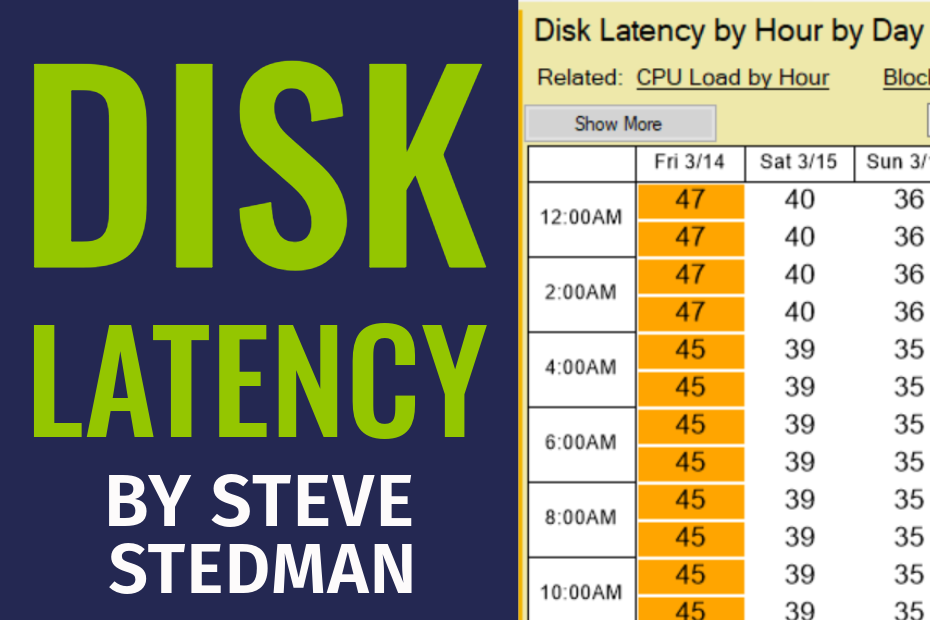
Here is a short video describing the Disk Latency Report in Database Health Monitor.
How It Relates to SQL Server
- Read Latency: When SQL Server needs to fetch data pages from disk (e.g., during a query), high read latency means it takes longer to load that data into memory. This can cause sluggish query performance, especially for I/O-intensive operations like large table scans.
- Write Latency: SQL Server writes to disk for things like transaction logs or checkpoint operations. If write latency is high, transactions can stall, as SQL Server often waits for log writes to complete (e.g., to ensure ACID compliance). This is particularly noticeable in write-heavy workloads like OLTP (Online Transaction Processing) systems.
- Performance Metrics: In SQL Server, you can monitor disk latency using tools like Performance Monitor (PerfMon) with counters such as “Avg. Disk sec/Read” and “Avg. Disk sec/Write.” General benchmarks are:
- < 5 ms: Excellent (typical for SSDs).
- 5-20 ms: Acceptable (common for HDDs in moderate workloads).
- > 20 ms: Poor (indicates a potential bottleneck).

- Tuning and Mitigation: To reduce the impact of disk latency, DBAs might optimize queries to minimize I/O, increase memory (to keep more data in the buffer pool and reduce disk reads), or upgrade to faster storage (e.g., SSDs or NVMe). Properly configuring SQL Server’s I/O settings, like aligning tempdb across multiple files, can also help.

In short, disk latency is a key determinant of how efficiently SQL Server can access and manage data on disk. Lower latency translates to faster database operations, while high latency can be a red flag that your storage subsystem is struggling to keep up with SQL Server’s demands.

More from Stedman Solutions:

Steve and the team at Stedman Solutions are here for all your SQL Server needs.
Contact us today for your free 30 minute consultation..
We are ready to help!