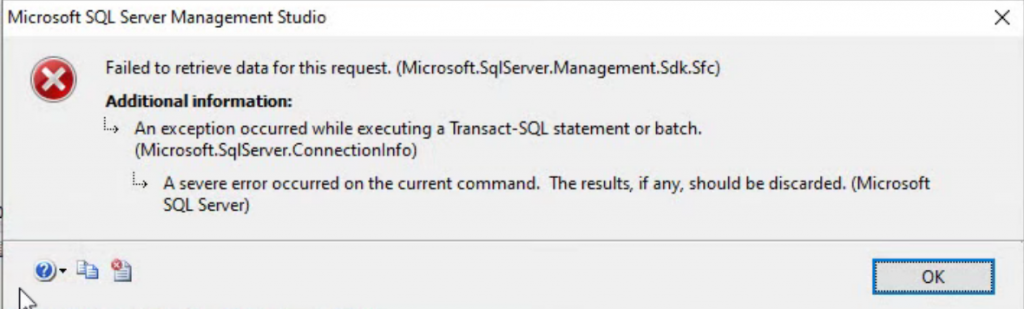
Recently while working on a SQL Server for a client I came across the following error when I attempted to view the SQL Server logs in SSMS.
From there I decided I needed to track this down, so I attempted to run the sp_readerrorlog stored procedure, which also failed, but it provided more informaiton.
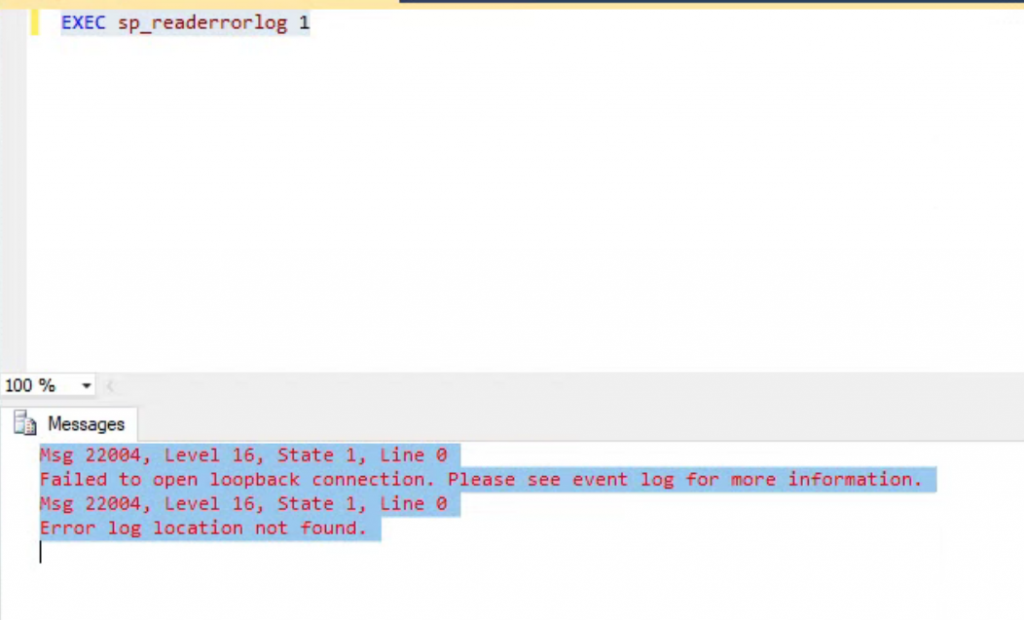
The full error message was:
Msg 22004, Level 16, State 1, Line 0
Failed to open loopback connection. Please see event log for more information.
Msg 22004, Level 16, State 1, Line 0
Error log location not found.
I did some searching the web and there many different solutions. Some solutions said to install an updated ODBC drivers, others suggested adding the server name to the host file to map 127.0.0.1 as the current server name, another mentioned a TCP alias, and one even suggested that I was running out of server connections. I tried several and none of these helped.
The I went back to the original error message which stated “Please see event log for more information.” So I checked the event log and found this:

So after discovering that the NT SERVICE\MSSQL$SQLEXPRESS user couldn’t log in, I tracked down that that was the user that SQL Server was running as. I added that user to SQL Server and it fixed the problem.
More from Stedman Solutions:

Steve and the team at Stedman Solutions are here for all your SQL Server needs.
Contact us today for your free 30 minute consultation..
We are ready to help!
I have just experienced the same problem on SQL Server 2022. Probably caused by some Visual Studio uninstalls – it’s not important. This was on Windows 11 which is not so friendly when it comes to adding service accounts.
My solution was to start the SQL Server installation process and, in the SQL Server Installation Center -> Maintenance -> Repair.
After about a minute, the users were repaired, the Job Agent could start again and sp_readerrorlog read the error log.
Do note that SQL Server is restarted during this process so be careful if on a production server.