
3 Common Database Mistakes Business Owners Make
Whenever you hear a company with over 30 years of experience tell you facts from real life scenarios, you should hear what they have to… Read More »3 Common Database Mistakes Business Owners Make
Blog posts relating to SQL Performance Tuning.
SQL Server tuning is the process of optimizing the database’s configuration, queries, and infrastructure to ensure the system runs as efficiently as possible. The goal is to reduce resource usage, increase query speed, and improve overall system responsiveness. Performance tuning involves analyzing server performance metrics, identifying bottlenecks, and implementing solutions that range from hardware upgrades to query rewriting. These optimizations are crucial for maintaining a smooth user experience and supporting business-critical applications.
A key aspect of performance tuning is query optimization. Poorly written SQL queries, missing indexes, or incorrect indexing strategies often lead to slow query execution. By using tools such as execution plans and SQL Profiler, DBAs can identify and correct inefficiencies in SQL code. Techniques like index tuning, query rewriting, and partitioning can drastically reduce query execution times. Regularly updating statistics and reorganizing or rebuilding indexes further enhances query performance and ensures accurate query plans.
Beyond queries, performance tuning also focuses on the SQL Server environment itself. Configuring server settings, adjusting memory allocation, and fine-tuning I/O operations play a significant role in optimizing database performance. Monitoring tools like Database Health Monitor (available at DatabaseHealth.com) provide insights into server health and potential issues. Stedman Solutions offers comprehensive SQL Server performance tuning services, combining years of experience with specialized tools to ensure your SQL Server environment performs at its peak. Learn more about our managed services at Stedman Solutions.
Whenever you hear a company with over 30 years of experience tell you facts from real life scenarios, you should hear what they have to… Read More »3 Common Database Mistakes Business Owners Make
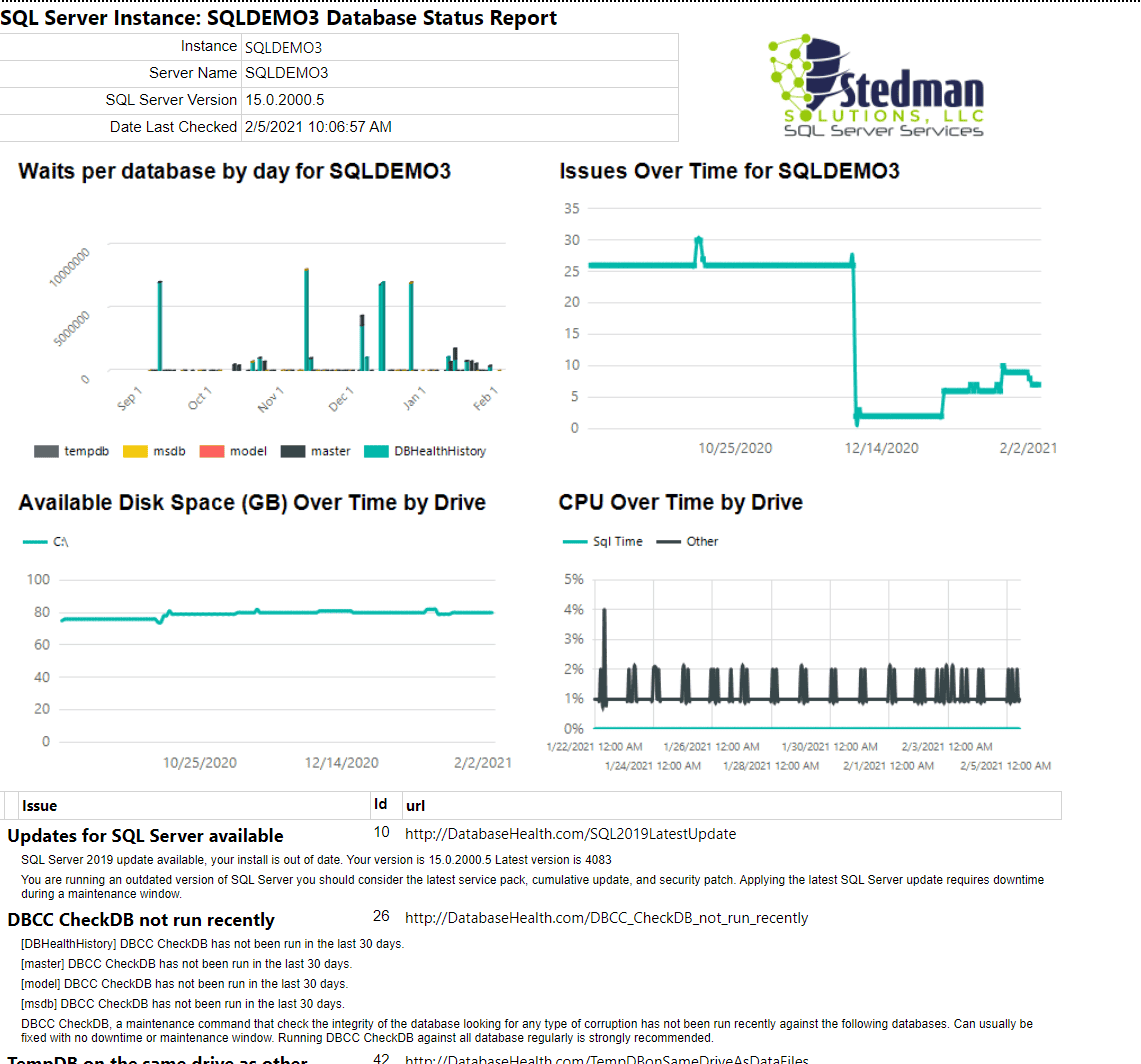
A great way to keep tabs on the overall health of your SQL Server. Pricing: $129.99 per month per SQL Server instance when paid month… Read More »Stedman Solutions Daily Monitoring Product

SQL Course Coupon Codes Fri, 22 Apr 2022 Current Stedman Solutions SQL Course Coupon Codes. Save Up to 65% Off our Popular Online SQL Server… Read More »April Blog Post Wrap-up

Top reasons for slow SQL Server performance I typically see are: Slow Running Queries, these are queries that run slow even with just one user… Read More »Common Performance Issues on SQL Server

CXCONSUMER and CXPACKET are associated with parallelism. When a query that has a cost beyond the cost threshold for parallelism then that query will be… Read More »CXCONSUMER and CXPACKET Waits.
Pre-Register For My NEW Exclusive Performance Training! I used my over 30 years of SQL Server experience to personally curate my favorite performance tuning tips… Read More »Pre-Registration is Open – Free Weekly Performance Training
Seven Years at Stedman Solutions This week marks my 7th anniversary of Stedman Solutions, LLC being my full time job and my primary source of income.… Read More »March Blog Posts Wrap-up
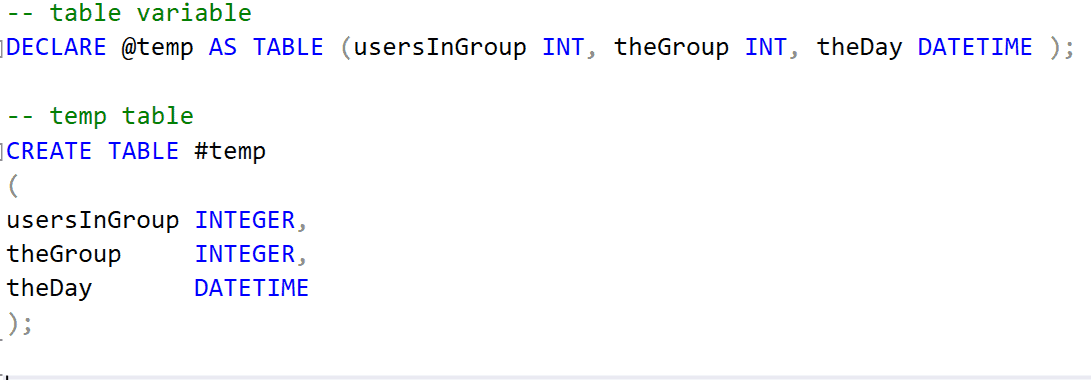
Every time I do a performance training class I share some stories about those long running reports that I was able to speed up by… Read More »Table Variable Vs. Temp Table
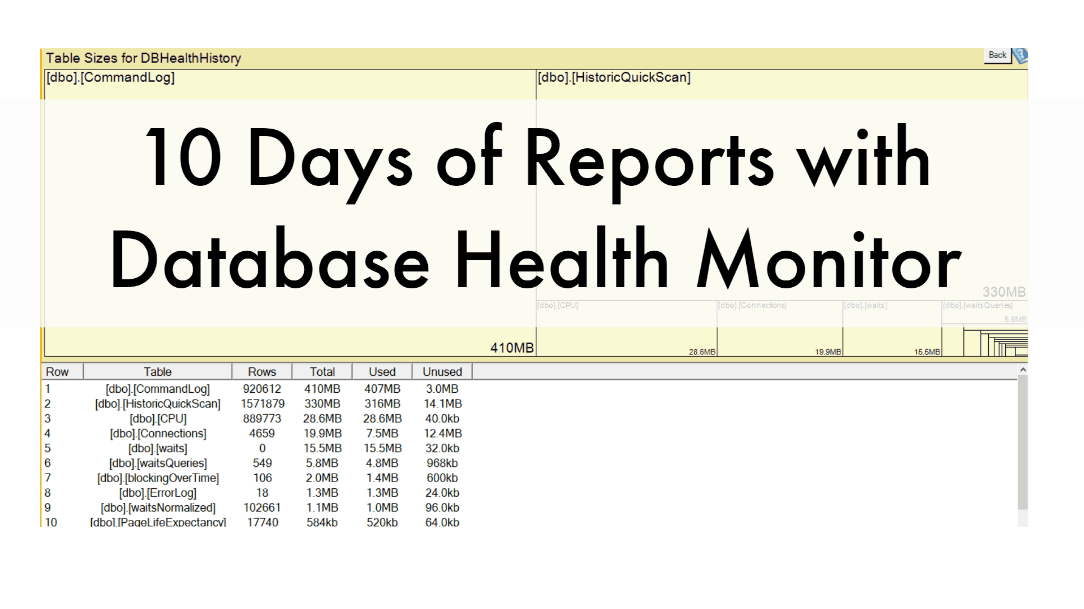
We hope you enjoyed our 10 days of Database Health Monitor Reports. We enjoy making your job easier! To it even easier we’ve created this… Read More »10 Day of Database Health Reports Recap
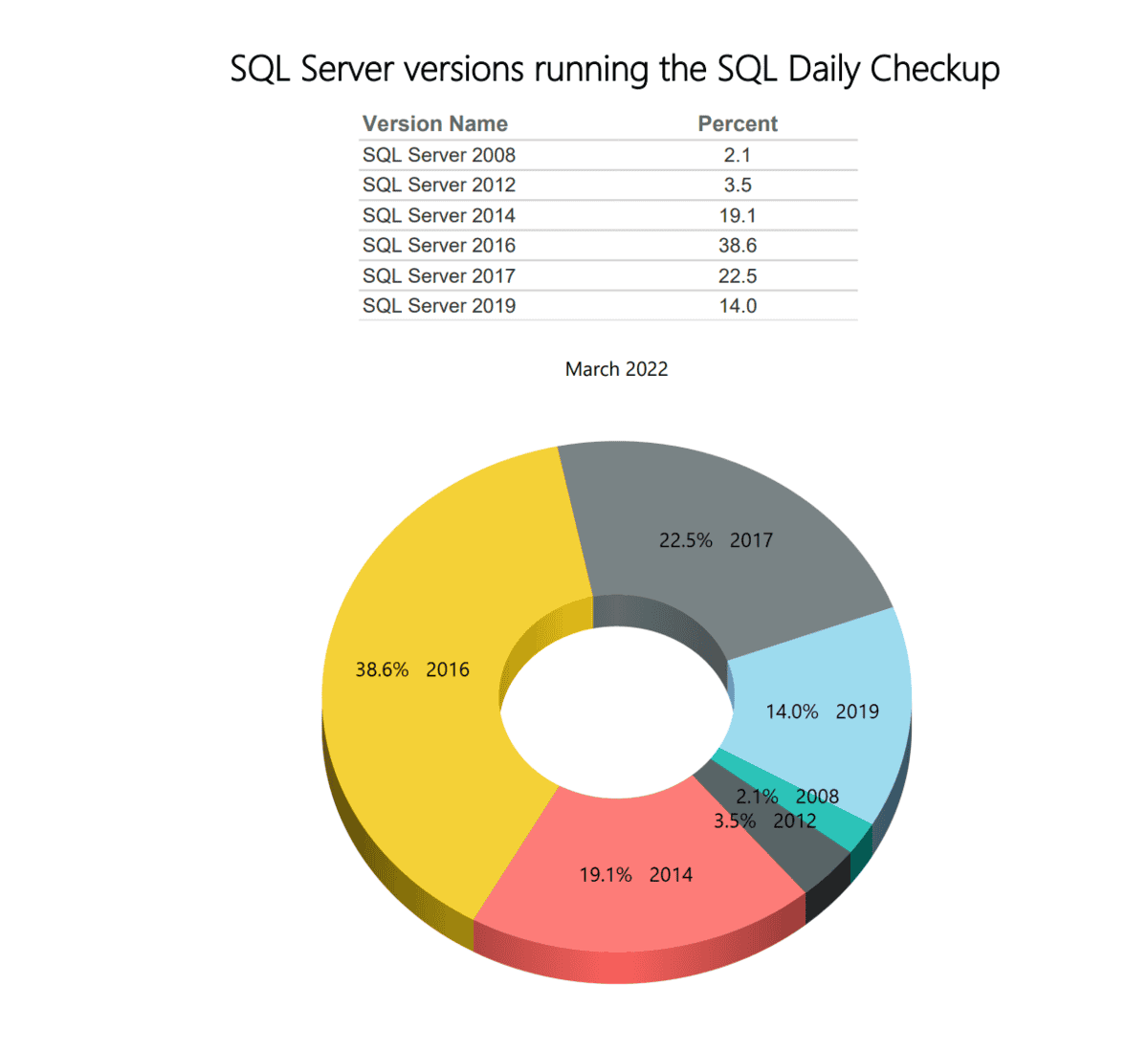
Here listed is the current percentages of SQL server versions running our Daily Check up with Database Health Monitor. Compare this month’s percentages to Last Month’s Percentages… Read More »SQL Daily Monitoring – SQL Server Versions for March